
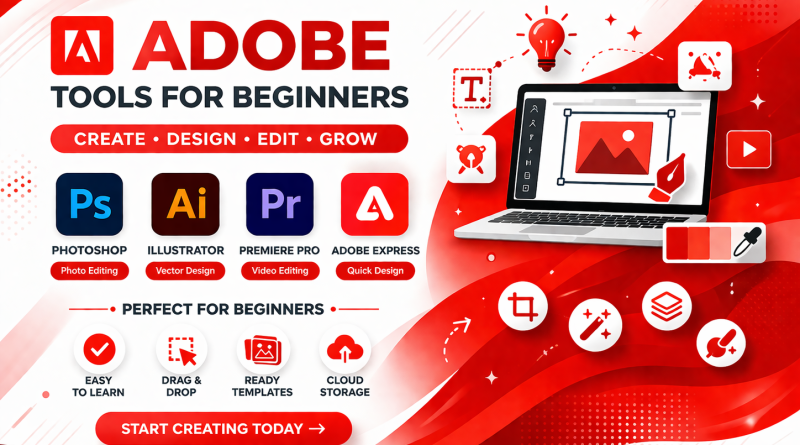
Best Adobe Tools for Beginners Who Just Want to Create Better Content
Content Creation Feels Hard? (At First)
For the first time when we all tried making a post, banner, or even a simple design for your website, you probably remember how it went. What we do is first open a tool, stare at the screen, click a few things and then close it.
Not because you don’t have ideas or new thoughts, but because tool already have so many features that create confusion. At that point, most individuals either give up or start exploring for something simple. And for some reason, Adobe always comes up, but it also seems difficult.
You Don’t Need to Learn Everything
One of the biggest mistakes most beginners make is thinking they need to understand all Adobe tools before they can start.
You really don’t. Trying to learn everything at the same time we are stuck and start creating confusion.
A better approach?
Pick one tool. Use it for something simple. Repeat. & Master It. That’s how most people actually get comfortable with Adobe tools for beginners, not by studying, but by doing small tasks again and again.
Few Adobe Tools That Actually Make Sense
Let’s keep this practical. You don’t need ten tools. You just need a few that solve real problems.
Photoshop
It was mainly use when an image doesn’t look right. Perhaps you want to clean it up a little, take something out Basic modifications are sufficient to get started; advanced skills are not necessary.
Illustrator
When ever need a logo for us or any of your clients or anything that looks clean and sharp, this is the tool. It feels tricky in starting, but once it clicks, it’s actually pretty useful and easy.
Premiere Pro
For videos, even basic ones this helps. In starting it looks complex to you, but editing clips and adding simple edits is easier than it seems.
Adobe Express
If any one wants to create posts, ads, banners you can easily do it with Adobe Express Just login pick a template and adjust it according to your need.
For most beginners, this mix of Adobe tools for beginners is more than enough.
Why This Actually Matters (More Than You Think)
A lot of people underestimate this part. Better content isn’t just about making things “look good.” It changes how people see what you’re doing.
If your visuals look clean, people trust you more.
If they look messy, people scroll past.
It’s that simple. You don’t need to be a designer. But using the right Adobe tools for beginners can make your content feel more serious, more polished, and that makes a difference from creating with tools and without tools.
If You’re Running a Small Brand
You definitely don’t need a complicated setup. Most small businesses or creators can do just fine with a couple of Adobe tools for beginners. Something like Photoshop + Adobe Express already covers a lot.
You can edit images, create posts, and keep things consistent without spending hours figuring things out. And honestly, consistency matters more than perfection here, Daily you get new ideas from adobe suggestions.
Conclusion
Adobe is for everyone from beginner to professional, No one needs to master Adobe or learn everything at once. It starts with practices with each tool daily doing small project Tools mentioned above are designed for beginner friendly.