

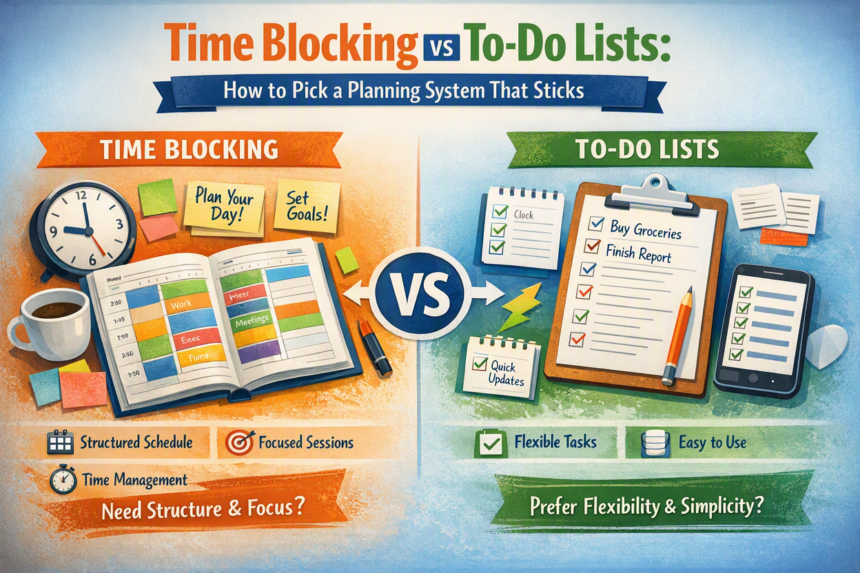
Most of us have tried both: a long to-do list that never seems to shrink, and a beautifully color-coded calendar that falls apart by 10 a.m. Neither method is wrong. They solve different problems, and understanding the difference helps you pick, or combine, the right tools.
The to-do list
A to-do list captures everything you need to do and lets you tick items off.
Strengths:
- Fast and flexible to write down.
- Good for capturing ideas so you do not forget them.
- Satisfying to complete.
Weaknesses:
- It does not tell you when a task will happen.
- All tasks look equally important, so small, easy items crowd out big ones.
- Lists tend to grow faster than they shrink, which can feel discouraging.
Time blocking
Time blocking assigns tasks to specific slots on your calendar, so each block has a purpose.
Strengths:
- Forces realistic trade-offs, since a day has only so many hours.
- Protects time for focused work.
- Reduces decision fatigue about what to do next.
Weaknesses:
- Takes planning time.
- Can feel rigid when the day changes.
- Underestimating how long tasks take throws off everything after them.
How they compare
| Question | To-do list | Time blocking |
|---|---|---|
| Main job | Capture and track tasks | Decide when work happens |
| Best for | Many small, flexible tasks | Focused work, deadlines, meeting-heavy days |
| Risk | Endless, undated list | Over-scheduling and rigidity |
| Setup time | Seconds | A few minutes each day or week |
The hybrid: list for capture, blocks for action
Most people do best with both. Use a running list as your inbox, then move the tasks that matter into your calendar.
- Capture everything. Write tasks in one place.
- Choose your top priorities. Pick the two or three that would make the week a success.
- Estimate the time. Guess how long each will take, then add a cushion, because most tasks take longer than expected.
- Place them on the calendar. Put demanding work when your energy is highest, and shallow tasks like email in small batches.
- Schedule breaks and buffer time. Leave gaps between blocks for transitions.
- Review at the end of the day. Move unfinished work to a new block rather than letting it vanish.
A sample time-blocked day
| Time | Block | Purpose |
|---|---|---|
| 9:00 to 11:00 | Deep work | The most important task of the day |
| 11:00 to 11:30 | Email and messages | Batch communication |
| 11:30 to 12:30 | Meetings | Fixed commitments |
| 12:30 to 1:30 | Lunch and walk | Recovery |
| 1:30 to 3:00 | Project work | Second priority |
| 3:00 to 3:30 | Flex block | Overflow and surprises |
| 3:30 to 4:30 | Admin and planning | Small tasks and tomorrow’s plan |
Times are only an example. Your energy patterns and calendar will decide your own.
Make it stick
- Start with just one or two blocks a day. You do not need a fully scheduled calendar.
- Leave 20 to 30 percent of the day unscheduled for interruptions.
- Match blocks to energy. If you focus best in the morning, guard that time.
- Use themes. Some people dedicate days to certain kinds of work, such as writing on Tuesdays.
- Run a weekly review. Check the week ahead, plan blocks for major tasks, and clear out old list items.
Common pitfalls
- Overpacking the day and feeling defeated.
- Not adjusting when reality changes. A plan is a draft, not a promise.
- Ignoring rest. Breaks improve focus.
- Blocking time but checking notifications anyway. Silence them during focus blocks.
Which should you choose?
If your work is unpredictable and mostly small requests, lean on a list and use a few daily blocks for priorities. If you have deadlines and complex projects, lean on blocks and keep a list for capture. When in doubt, use the hybrid.
FAQ
What tools do I need?
A paper planner, a calendar app, and a simple list are enough. Simplicity is more important than features.
What if my day is full of meetings?
Block small windows between meetings for essentials, and try to cluster meetings to protect at least one longer focus period.
How do I handle urgent tasks?
Keep a flex block each day, and decide what to move when something urgent arrives.
The takeaway
Use the list to remember and the calendar to commit. Try the hybrid for two weeks and adjust. If you work from home, our [[work-from-home-boundaries-work-life-balance|nine work-from-home boundaries]] help protect the blocks you make, and the methods in [[how-to-study-effectively-evidence-based-methods|how to study effectively]] fit neatly into a focus block.