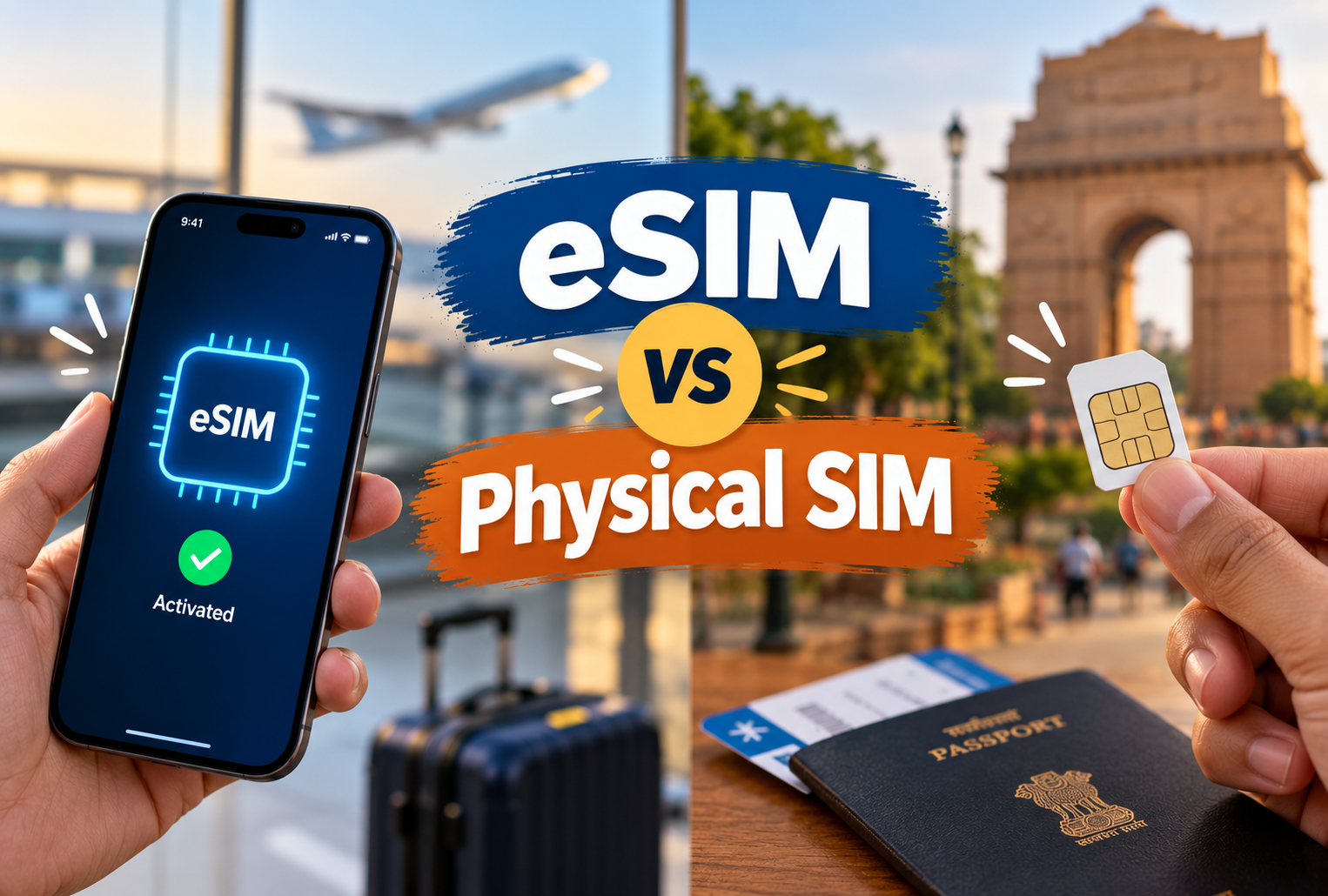
Mobile technology is changing the way we use smartphones. Earlier, every mobile phone needed a small physical SIM card to connect to a mobile network. Today, many modern smartphones also support a digital alternative called an eSIM.
An eSIM allows users to connect to a supported mobile network without inserting a traditional SIM card. It can make switching mobile plans easier and is especially useful for people who travel internationally or use multiple numbers.
However, eSIM technology is not available on every smartphone, and its features depend on the mobile operator and device.
In this guide, we will explain eSIM vs Physical SIM, how eSIM works, its advantages and disadvantages, activation steps, device compatibility, and which option may be better for everyday use.
What Is an eSIM?
An eSIM, or embedded SIM, is a digital SIM technology built into a compatible device. Unlike a traditional SIM card, it does not need to be physically inserted or removed.
Instead, a mobile operator provides an eSIM profile that can be downloaded and activated on a supported device. This profile allows the device to connect to the operator's mobile network.
If you are wondering what is an eSIM, the simplest explanation is that it performs the main functions of a traditional SIM card without requiring a removable plastic card.
An eSIM can be useful for:
-
Activating a mobile plan digitally.
-
Using supported personal and work numbers on one phone.
-
Adding a travel data plan when travelling abroad.
-
Switching between supported mobile plans.
-
Reducing the need to handle physical SIM cards.
The exact features depend on the smartphone, mobile operator, and plan.
What Is a Physical SIM Card?
A physical SIM card is a small removable chip that identifies your mobile subscription to a network. It is inserted into a SIM tray inside a compatible phone.
Physical SIM cards are widely used in smartphones, tablets, and some other connected devices. They are available in different sizes, with nano-SIM being common in modern smartphones.
To use a physical SIM, you generally insert the card into the correct SIM slot and follow any activation instructions provided by your mobile operator.
A physical SIM is convenient for users who frequently move their SIM card between compatible devices or prefer a familiar setup process.
How Does eSIM Work?
If you want to understand how does eSIM work, it helps to know that an eSIM contains a secure component that can store a mobile operator's subscription profile.
Here is how the process usually works:
-
Choose a mobile plan: Contact a mobile operator that supports eSIM for your device.
-
Request an eSIM: The operator may provide a QR code, an app-based setup, or another activation method.
-
Add the eSIM profile: Open your phone's mobile network or SIM settings and follow the instructions.
-
Complete activation: The operator verifies the subscription and activates the profile.
-
Connect to the network: Once activation is complete, your phone can use the mobile network according to your plan.
Some devices and operators support direct transfers from one phone to another. Others require a new QR code or assistance from customer support.
An eSIM does not automatically provide free internet or mobile service. You still need an active mobile plan from a supported operator.
eSIM vs Physical SIM: Key Differences
Both eSIM and physical SIM cards allow a compatible device to connect to a mobile network. The main difference is how the SIM profile is provided and managed.
| Feature | eSIM | Physical SIM |
|---|---|---|
| Form | Built into the device | Removable plastic card |
| Installation | Digital setup | Insert into SIM tray |
| Activation | Often through a QR code, app, or operator instructions | Insert the card and follow activation instructions |
| Switching devices | May require profile transfer or reactivation | Can often be moved to another compatible phone |
| Risk of physical damage | No removable SIM card to damage or lose | Card can be lost, damaged, or misplaced |
| Network availability | Requires a compatible device and operator | Supported by a wide range of compatible devices |
| Multiple plans | Can store multiple profiles on supported devices | Depends on the number of SIM slots and device features |
| International use | Can support digital travel plans | Can use local physical SIM cards or roaming |
| Phone compatibility | Limited to eSIM-supported devices | Available on devices with a compatible SIM slot |
The key takeaway is that physical SIM vs digital SIM is mainly a choice between a removable card and a digitally managed SIM profile. Both can provide mobile connectivity when correctly activated.
Benefits of an eSIM
An eSIM offers several advantages, particularly for people who prefer digital services and travel frequently.
1. Easy Digital Activation
One major benefit is that you may not need to visit a store or wait for a physical SIM card to be delivered. Depending on the operator, you can activate an eSIM through a QR code, an app, or another supported method.
This can make setting up a mobile connection more convenient.
2. No Physical SIM Card to Lose
Because the SIM is embedded in the device, there is no removable SIM card to misplace. It also eliminates the need to handle a tiny card when changing a supported mobile plan.
However, eSIM does not prevent someone from accessing a phone if the device itself is lost or compromised. You should still use a strong screen lock and account security measures.
3. Convenient for Multiple Numbers
Some smartphones allow users to store several eSIM profiles. Depending on the device, they may be able to keep multiple mobile plans available and select which line to use.
For example, you might use one number for personal calls and another for work.
Remember that the number of stored profiles and the number of lines that can be active simultaneously are not necessarily the same.
4. Useful for International Travel
Many travellers use eSIM plans to access mobile data abroad without purchasing a physical SIM card at their destination.
You can often arrange a compatible travel plan before departure and install it on your phone. This can make connecting to the internet easier when you arrive.
However, you should check the plan's supported countries, data limits, validity period, and calling features before purchasing it.
5. Less Dependence on a SIM Tray
Since the eSIM is built into the device, manufacturers have more flexibility when designing phones. Some devices may use the available internal space for other components or features.
The actual design benefits vary by model, and not every eSIM phone has a different physical design from a SIM-based version.
eSIM Benefits and Disadvantages
Although eSIM technology offers convenience, it also has a few limitations.
Advantages of eSIM
-
Convenient activation: Many operators support digital setup.
-
No removable card: You do not need to carry or replace a physical SIM.
-
Travel flexibility: Compatible travel plans may be activated digitally.
-
Multiple profiles: Supported phones can store more than one eSIM profile.
-
Useful for dual numbers: Some devices allow two supported lines to operate together.
Disadvantages of eSIM
-
Limited compatibility: Older or budget smartphones may not support eSIM.
-
Device switching can be less straightforward: Moving a profile may require a transfer process or help from the operator.
-
Operator restrictions: Not every mobile network offers eSIM for every plan or device.
-
Activation issues: A QR code, app, or transfer may fail and require customer support.
-
Phone replacement: You may need to transfer or reactivate your eSIM when changing phones.
Understanding these eSIM benefits and disadvantages can help you decide whether the technology suits your mobile usage.
How to Activate an eSIM
The exact activation process varies between mobile operators and smartphone models. Before starting, make sure your phone supports eSIM and your operator provides the service for your number or plan.
Follow these general steps to learn how to activate an eSIM.
Step 1: Check Device Compatibility
Look at your phone's official specifications or mobile network settings. Confirm that the device supports eSIM in your region.
Step 2: Contact Your Mobile Operator
Ask your operator whether your current number or chosen plan can be activated as an eSIM. You may need to complete identity verification or follow a number-conversion process.
Step 3: Obtain the Activation Details
Depending on the operator, you may receive a QR code, an activation link, or instructions through an official app.
Keep these details private and use only the official activation method.
Step 4: Open Your Phone's Settings
On an iPhone, the option is generally found under Settings and then Mobile Service or Cellular.
On many Android phones, it may be under Settings, Network and Internet or Connections, then SIMs or SIM Manager.
The exact wording depends on your phone model and software version.
Step 5: Add and Activate the eSIM
Select the option to add an eSIM and follow the instructions. Scan the QR code if required, or complete the process through your operator's app.
Step 6: Check Your Connection
Once activation is complete, check whether your phone can connect to the network. Set the preferred line for mobile data, calls, and messages if your phone supports multiple lines.
Important: Do not delete an existing eSIM profile or reset your phone until you have confirmed that you can activate your replacement connection. Some profiles cannot simply be downloaded again without operator assistance.
Which Smartphones Support eSIM?
Many newer smartphones support eSIM, but availability depends on the model, country, and sometimes the exact regional variant.
eSIM on iPhones
Several iPhone generations support eSIM, including the iPhone XS, iPhone XS Max, and iPhone XR and later models. However, the supported features differ by model and market. Some regional versions have restrictions or no eSIM support.
eSIM on Samsung Phones
Selected Samsung Galaxy S, Z, and other models support eSIM. Support varies by device generation and country, so check the official specifications for your exact model.
eSIM on Google Pixel Phones
Many Google Pixel models support eSIM, although compatibility and available features depend on the model, region, and mobile operator.
eSIM Supported Smartphones in India
If you are searching for eSIM supported smartphones in India, check the Indian version of your phone's official product page and confirm support with your mobile operator.
Do not rely only on the phone's brand or series name. Two phones with similar names can have different network features in different countries.
Also, a phone that supports eSIM may not support every eSIM provider or every mobile plan.
Can eSIM Be Used for International Travel?
Yes, an eSIM can be useful for international travel if your phone supports it and the travel provider covers your destination.
For example, you may be able to purchase a data-only eSIM plan for a trip and install it before leaving home. Once you arrive, you can select the travel eSIM for mobile data while keeping your usual number available for calls or messages, if your device and home plan support that arrangement.
If you want to know can eSIM be used for international travel, consider these points before buying a plan:
-
Destination coverage: Check that the plan supports every country you intend to visit.
-
Data allowance: Compare the available data with your expected usage.
-
Validity period: Confirm when the plan starts and how long it lasts.
-
Roaming charges: Check whether your regular SIM could incur roaming costs.
-
Calling and messaging: Some travel eSIMs provide data only, while others offer calls or texts.
-
Device compatibility: Make sure your phone supports the provider's eSIM service and is not restricted to another carrier.
A travel eSIM can be convenient, but compare its price and coverage with roaming packages and local SIM cards before deciding.
eSIM vs SIM Card: Which Is Better for Everyday Use?
The answer depends on your device, mobile operator, and personal preferences.
An eSIM may be a better option if you prefer digital activation, travel frequently, or want to manage multiple supported profiles on one phone.
A physical SIM may be more convenient if you regularly move your number between phones, use an older device, or prefer a removable card that can be transferred without completing a digital setup process.
When comparing eSIM vs SIM card, consider more than just convenience. Network coverage, call quality, mobile data speed, and plan pricing generally depend on your operator, network conditions, and subscription rather than whether your SIM is physical or embedded.
For most everyday users, both options can provide a similar basic mobile experience when supported by the phone and network.
Is eSIM Better Than Physical SIM?
If you are asking is eSIM better than physical SIM, there is no single answer for everyone.
Choose an eSIM if:
-
Your phone supports it.
-
Your mobile operator offers a suitable plan.
-
You prefer digital activation.
-
You frequently travel or use multiple mobile lines.
-
You are comfortable managing SIM profiles through settings.
Choose a physical SIM if:
-
Your phone does not support eSIM.
-
You frequently transfer your SIM between compatible phones.
-
Your preferred operator or plan does not support eSIM.
-
You want a removable SIM that you can physically handle.
Before switching, check your operator's conversion process, whether any fees apply, and what happens to your current SIM during activation.
The best choice is the one that works reliably with your phone and fits your everyday needs.
Common Myths About eSIM
Myth 1: eSIM Does Not Need a Mobile Network
Fact: An eSIM still needs an active mobile subscription and network coverage to provide mobile service.
Myth 2: Every New Smartphone Supports eSIM
Fact: eSIM support varies by model, region, and device version. Always check the exact specifications.
Myth 3: eSIM Always Provides Faster Internet
Fact: Internet speed depends mainly on the operator, network technology, signal strength, congestion, and plan. Using an eSIM does not automatically make mobile data faster.
Myth 4: You Can Transfer an eSIM to Any Phone Instantly
Fact: Transfers depend on device compatibility, operating system features, and operator policies. Some transfers require a new activation or customer support.
Myth 5: eSIM Is Completely Risk-Free
Fact: eSIM removes the risk of losing a removable SIM card, but phone security, account protection, and safe activation practices remain important.
Conclusion
eSIM vs Physical SIM is a comparison between two ways of managing a mobile subscription. A physical SIM is a removable card, while an eSIM uses a built-in component to store a digital mobile subscription profile.
eSIM offers convenient digital activation, can simplify international travel, and supports multiple profiles on compatible devices. Physical SIM cards remain useful because they are widely supported and can often be moved easily between compatible phones.
Before choosing either option, check your phone's compatibility, your operator's support, and your own mobile requirements.
Ultimately, the best SIM option is the one that offers reliable connectivity, convenient management, and suitable features for your everyday use.